




Google has unveiled Workspace Intelligence, a major upgrade to its productivity suite that transforms tools like Gmail, Docs, Sheets, and Slides into a context-aware, AI-powered work assistant.
What Is Workspace Intelligence?
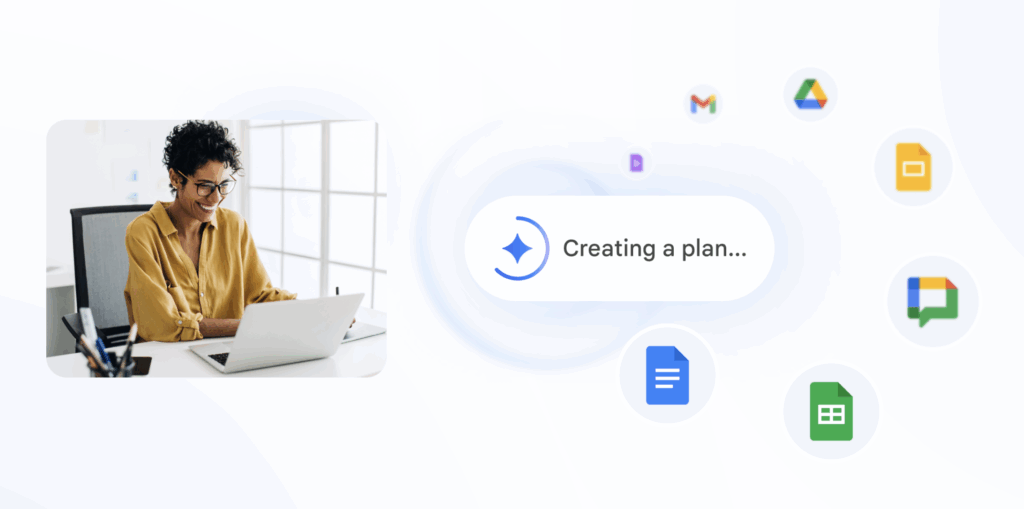
Workspace Intelligence is a new AI layer built into Google Workspace, designed to give Gemini AI a real-time understanding of your work environment.
Instead of relying only on prompts, it pulls context from:
- Emails (Gmail)
- Documents (Docs, Sheets, Slides)
- Chats and meetings
- Calendar events
This allows AI to generate responses and perform tasks without users manually feeding context every time.
The Big Shift: From Tool → AI Coworker
Unlike traditional AI assistants, Workspace Intelligence acts more like a digital coworker with “institutional memory.”
It connects:
- Your projects
- Your collaborators
- Your company’s data
👉 Result: AI that understands what you’re working on, not just what you type.
Key Features & Capabilities
1. Context-Aware AI Across Apps
Workspace Intelligence bridges all Workspace apps, enabling seamless workflows.
- Draft emails using past conversations
- Build spreadsheets from natural language
- Generate presentations aligned with company templates
2. Agentic AI for Real Work
This is part of Google’s push toward “agentic AI”—systems that can plan and execute tasks.
Examples include:
- Auto-generating full presentations
- Summarizing long email threads
- Creating reports using data across files
3. Real-Time Data Integration
The system acts as a semantic layer, connecting emails, files, chats, and calendars into one unified intelligence system.
This means:
👉 No more switching tabs or searching manually
👉 AI fetches and connects relevant data instantly
4. Personalisation & Brand Consistency
Workspace Intelligence can:
- Mimic your writing style
- Follow company templates
- Align outputs with brand voice
This makes outputs more usable in real business workflows.
Privacy & Control
Google has emphasized enterprise-grade controls:
- AI only accesses data users already have permission to view
- Admins can enable/disable data sources
- Data is not used for ad targeting or external training
This is critical for businesses handling sensitive data.
Why This Matters
Workspace Intelligence signals a major shift in how work gets done:
👉 From manually stitching information together
👉 To AI that already understands your entire workflow
It reduces:
- Time spent searching for information
- Repetitive manual tasks
- Context switching between apps
The Bigger Picture
Google is clearly moving toward an “AI-first workplace”, where:
- AI doesn’t just assist
- It actively participates in work
This puts Workspace Intelligence in direct competition with enterprise AI tools from companies like OpenAI and Microsoft.