




Samsung Galaxy smartphones come with several hidden dial codes that unlock useful diagnostic tools and advanced system features. While these codes are primarily intended for service technicians and developers, many of them can also help regular users troubleshoot common issues, check important device information, and test hardware components. However, not every code works on every Samsung phone, as availability depends on the device model, One UI version, and carrier restrictions.
What Are Samsung Secret Dial Codes?
Secret dial codes are special combinations of numbers and symbols entered through the Phone app. Instead of making a call, these codes open hidden menus or perform specific actions. They can display device information, launch hardware testing tools, or provide access to maintenance features that are not visible in the standard Settings menu.
Samsung has also strengthened security in recent software versions, meaning some diagnostic features may require users to temporarily adjust certain security settings before they become accessible.
Useful Features You Can Access
One of the most commonly used dial codes displays the phone’s IMEI number, which is useful when registering a device, checking warranty information, or reporting a lost phone.
Another popular code opens Samsung’s hardware diagnostic menu, allowing users to test various components such as the touchscreen, display colours, speakers, cameras, vibration motor, sensors, and more. This can help identify whether a problem is software-related or caused by faulty hardware.
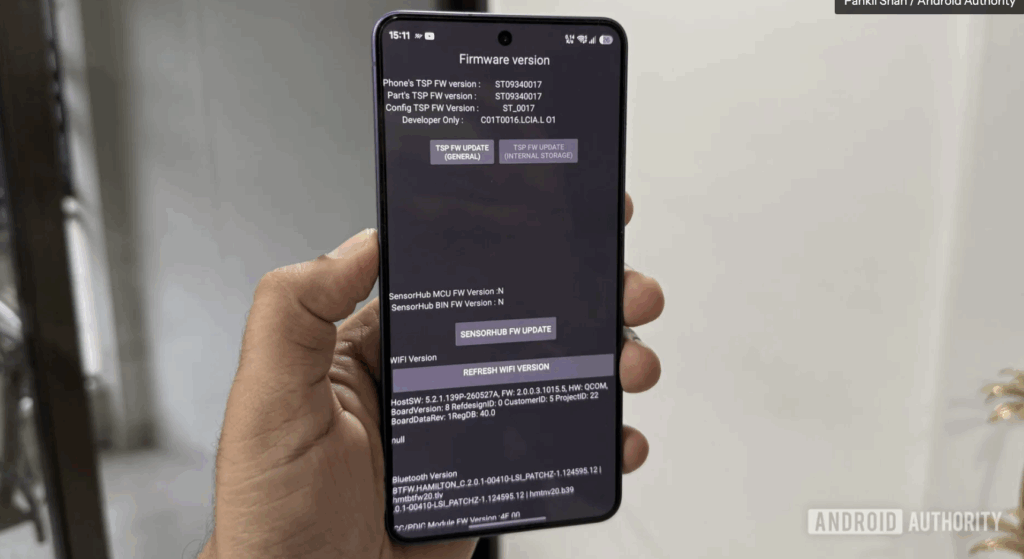
Some hidden codes also provide access to system maintenance options, including clearing unnecessary system log files that may occupy storage space. Others allow users to refresh touchscreen firmware, troubleshoot Wi-Fi functionality, or modify USB connection modes when transferring files between a phone and a computer.
Things to Keep in Mind
Not every Samsung smartphone supports the same secret codes. Carrier-locked devices may disable certain menus, while newer software versions may restrict access for security reasons. Users should also avoid changing settings they do not fully understand, as some options are designed for authorised service technicians and could affect normal device operation.
These codes are most useful for diagnostics and troubleshooting rather than modifying system configurations.
Why These Hidden Codes Are Useful
Samsung’s secret dial codes provide quick access to built-in tools that can simplify troubleshooting and device maintenance. From checking hardware health and retrieving important device information to managing system settings, these hidden shortcuts allow users to make better use of features already available on their Galaxy smartphones without installing additional applications.
Summary
Samsung Galaxy smartphones include several hidden dial codes that provide access to diagnostic tools, hardware tests, and useful maintenance features. These shortcuts can help users troubleshoot issues, check device information, test hardware components, and manage certain system functions. Since support varies by device and software version, users should use these codes carefully and avoid changing unfamiliar settings.