




Canva has officially rolled out its long-awaited Offline Mode, giving users the ability to create and edit designs even when they do not have access to the internet. The feature addresses one of the most frequently requested demands from Canva’s global user base and is expected to benefit millions of students, professionals, content creators, and businesses that rely on the platform for everyday design work.
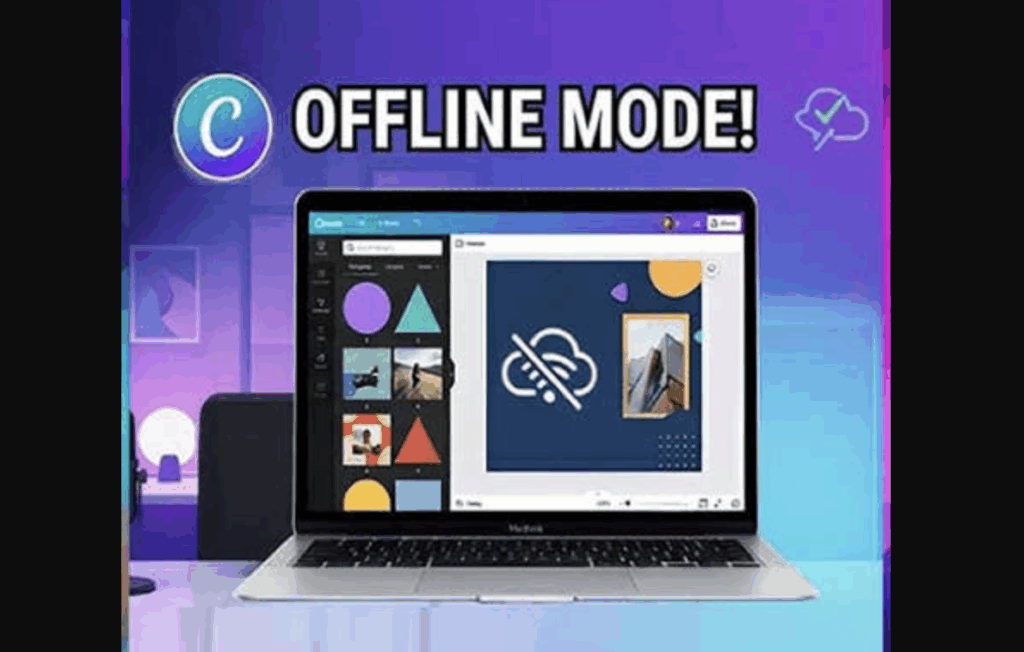
The update marks a significant shift for Canva, which has traditionally been known as an online-first design platform. With Offline Mode, users no longer need to worry about losing productivity during flights, train journeys, commutes, or periods of unreliable connectivity.
How Canva Offline Mode Works
The new feature allows users to save selected designs for offline access before losing connectivity. Once enabled, those files can be opened, edited, and updated without requiring an active internet connection. Any modifications made while offline are automatically synced back to Canva’s cloud infrastructure as soon as the device reconnects to the internet.
According to Canva, users can continue working on their downloaded projects for up to 14 days without internet access. The company says the experience is designed to be seamless, ensuring that creativity and productivity are not interrupted by connectivity issues.
Who Benefits the Most?
Canva says the feature is aimed at a wide range of users, including students, educators, entrepreneurs, marketers, content creators, and remote workers. The company also highlighted its usefulness for mobile-first users and people living in regions where internet access may be inconsistent.
For professionals who frequently travel, Offline Mode removes the need to pause projects simply because they are on a flight or in an area with poor network coverage. This could make Canva a more practical tool for business users who depend on uninterrupted workflows.
One of Canva’s Most Requested Features
The company first announced the feature during its Canva Create event earlier this year, where it received strong interest from users. Industry observers note that offline editing has been one of the biggest missing features compared to traditional desktop design software.
By introducing Offline Mode, Canva is addressing a long-standing limitation while strengthening its position against competing productivity and design platforms.
What Happens Next?
Canva says Offline Mode is available at no additional cost and is rolling out across supported devices. While users currently need to download specific designs before going offline, the feature represents a major step toward making design work more flexible and accessible. As Canva continues expanding its AI and productivity offerings, Offline Mode could become one of its most widely used features among professionals and everyday creators alike.