





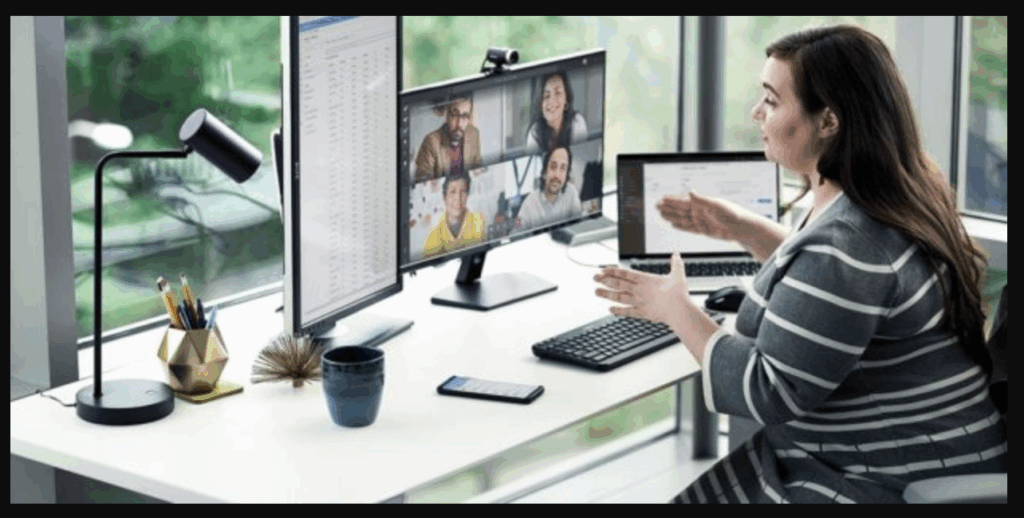
Microsoft Teams is rolling out a new feature called “Workplace Check-In via Wi-Fi” that aims to make hybrid work coordination easier. However, the update has also sparked concerns among employees and privacy advocates, as it can automatically indicate whether a user is working from the office or remotely. While Microsoft insists the feature is designed for collaboration rather than surveillance, many workers worry that it could provide managers with greater visibility into their daily work location.
What Is Workplace Check-In?
The new Workplace Check-In feature allows Microsoft Teams to automatically update a user’s work location when their device connects to a configured corporate Wi-Fi network. Instead of manually marking themselves as “In Office” or “Remote,” employees can have their status updated automatically based on their workplace connection.
In organisations that have configured office buildings within Microsoft’s workplace management tools, Teams can even identify which building an employee is working from. If building-level information is not configured, the system simply indicates whether the employee is in the office or working remotely.
What Information Can Others See?
When enabled, coworkers and managers can view an employee’s work location status through Microsoft Teams, Outlook, and Microsoft Places. The system can indicate whether a person is working from the office, remotely, or in a specific office building if that level of detail is available.
Microsoft says the feature is intended to help teams coordinate in-person meetings, desk bookings, and workplace collaboration. For example, employees can quickly see which colleagues are in the office before scheduling meetings or collaborative sessions.
Privacy Concerns Emerge
Despite Microsoft’s assurances, the feature has attracted criticism. Some experts argue that workplace location information could become another tool for employee monitoring, especially in organisations enforcing return-to-office policies. Critics point out that even if the feature is presented as a collaboration tool, it still gives employers more visibility into where employees are working.
The debate reflects broader concerns about workplace surveillance technologies, which have become increasingly common as companies seek greater oversight of hybrid and remote workforces.
Microsoft’s Response
Microsoft has attempted to address privacy concerns by building several safeguards into the system. According to the company, Workplace Check-In is disabled by default and must first be enabled by an organisation’s administrators. Users are also informed when the feature becomes available and can opt in or opt out depending on how their organisation configures the service.
The company further states that the feature does not create historical location records, attendance reports, or monitoring dashboards. Work location information is cleared after working hours, and employees can manually change or override their status at any time.
The Future of Hybrid Work
The introduction of Workplace Check-In highlights the ongoing challenge of balancing productivity and privacy in hybrid workplaces. Employers increasingly want tools that improve coordination and office utilisation, while employees remain cautious about technologies that could be perceived as monitoring systems.
Whether the feature becomes widely accepted will likely depend on how organisations implement it and how transparently they communicate its purpose. As hybrid work continues to evolve, debates over workplace visibility, employee autonomy, and digital privacy are expected to remain at the forefront.
Summary
Microsoft Teams is introducing Workplace Check-In via Wi-Fi, a feature that automatically updates an employee’s work location when connected to a corporate network. Colleagues and managers can see whether someone is working from the office or remotely, helping with hybrid work coordination. While Microsoft says the tool is not designed for surveillance and includes privacy safeguards, critics argue it could increase workplace monitoring and raise concerns about employee privacy.