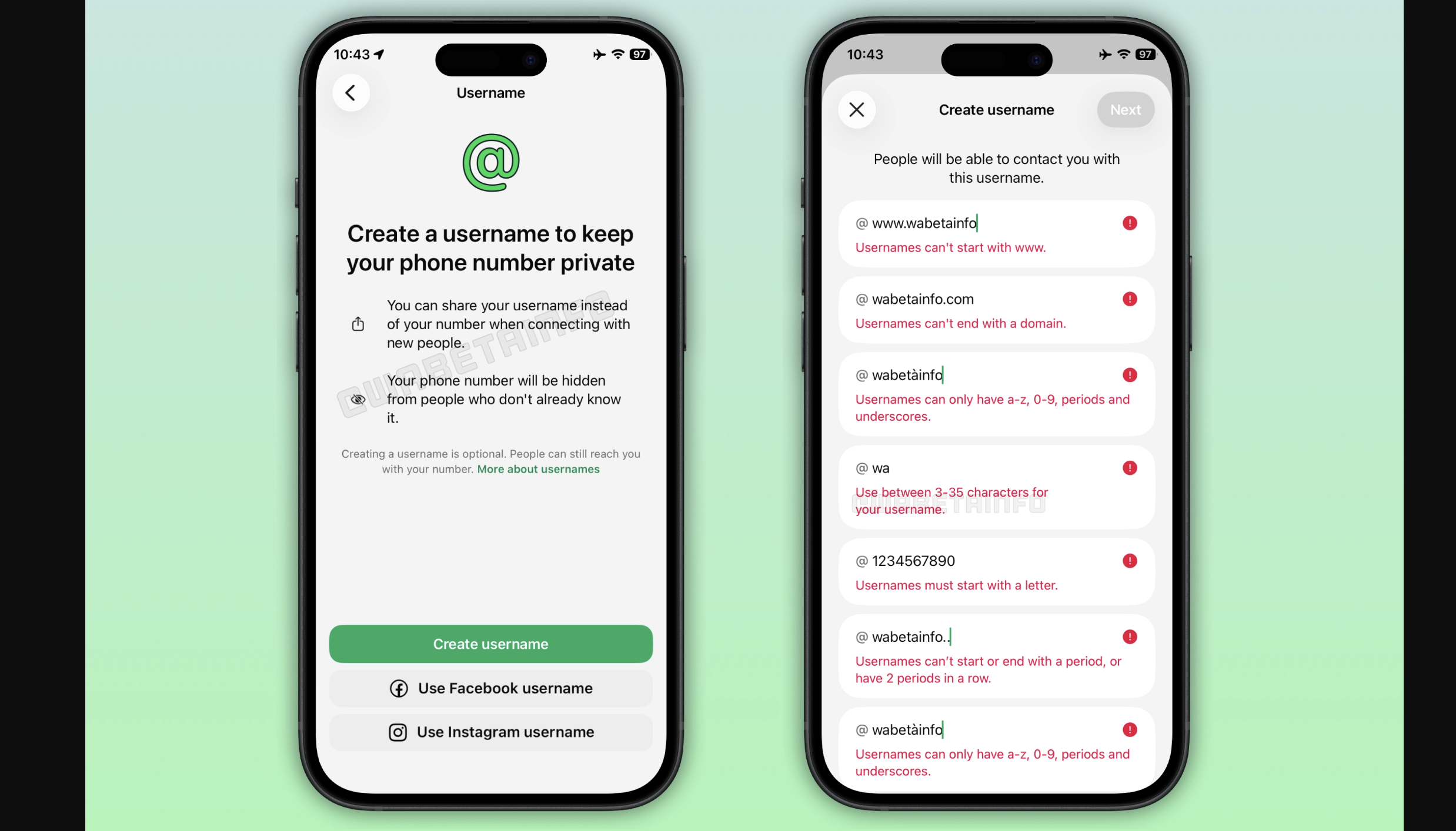





Last year, WhatsApp launched the Communities feature on its platform, focusing on improving community interactions. Recently, the Meta-owned platform introduced a new interface for the communities tab. Now, WhatsApp has begun rolling out a phone number privacy feature for community members, available for both Android and iOS users.

WhatsApp Enhances Privacy with Phone Number Concealment in Communities Feature
The phone number privacy feature adds an extra layer of privacy to the Communities feature. It ensures that a user’s phone number remains hidden from other community members. Previously, the community participants list was already hidden in the community announcement group. However, users couldn’t interact with the community announcement group through message reactions because it would reveal their phone number. With this new feature, the phone number remains concealed even when adding a reaction to a message, as mentioned in the report.
Introduction of Enhanced Privacy for Community Members and Text Size Customization for Windows Users
Implementing this feature alerts users that their phone number is only visible to community administrators and individuals who have saved their number as a contact. This functionality guarantees that participants in the community cannot view complete contact details, maintaining the user’s privacy. Users can now interact with the community announcement group anonymously, thanks to this feature.
In addition, WhatsApp has introduced a text size customization feature for Windows users. This feature allows Windows users to adjust the text size according to their preferences, enhancing the overall user experience. Users can access this feature by navigating to the app settings, specifically under the ‘Personalization’ menu. With the convenient text resizing feature, Windows users can effortlessly modify the text size within the WhatsApp application. WhatsApp has also introduced shortcuts for quick adjustments, such as using CTRL +/- to increase or decrease the text size and CTRL+0 to reset it to the default size.