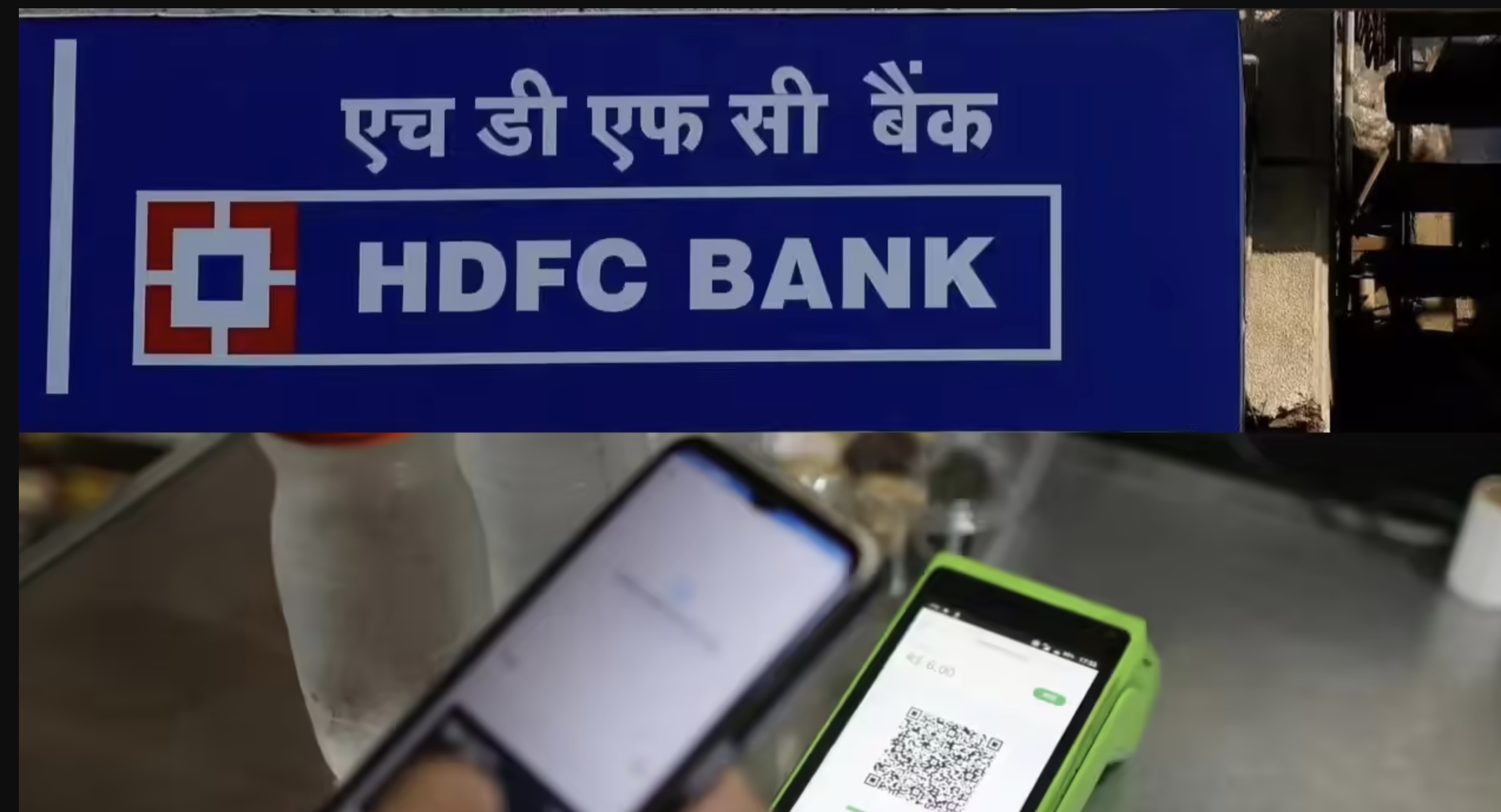





The HDFC Bank customers who receive transaction alerts through SMS will see a reduction in per-message charges, said the HDFC Bank as the SMS charges for Insta Alerts revised from May 1, 2026.
HDFC Bank Reduces Transaction Alert Charges
This is a good deal for the HDFC customers as they were earlier paying 20 paise + GST per SMS, you will now pay 15 paise + GST per SMS.
For understanding this, consider a case where you were receiving 100 SMS transaction alerts in a month and you would have paid 20 paise per SMS, which comes to Rs 20 (plus GST).
But, after this revision, at 15 paise per SMS, the cost will come down to Rs 15 (plus GST), this way you would save about Rs 5 per month on SMS alert charges.
While talking about this upgrade, the HDFC Bank has clarified that email alerts will continue to remain free of cost, so the bank customers can continue receiving email notifications without any additional charges.
We all agree that keeping track of banking transactions has become easier with instant alerts that notify customers about debits, credits and other account-related activities.
These alerts are genuinely helpful in keeping customers updated on their balances and also quickly help in spotting any unauthorised transactions without visiting a bank branch.
Steps To Modify HDFC Bank Insta Alerts via NetBanking
- To start with, log in to NetBanking.
- Now click on the top right corner and select My Profile.
- Here select Insta Alerts.
- You can modify or unsubscribe from alerts as per your requirements.
Steps To Modify Insta Alerts via HDFC Bank Mobile Banking App
- First of all, log in to the mobile banking app.
- Then select the top left menu.
- Here, select My Profile.
- Choose Insta Alerts under Preferences.
- Here either update or unsubscribe from alerts.
Steps To Apply Online To Receive HDFC Bank Insta Alerts
- The User has to login to NetBanking using your NetBanking ID and password.
- Now download an InstaAlerts registration form and drop it off at your nearest HDFC Bank branch.
Steps To Deactivate HDFC Bank Insta Alerts
- Firstly, log in to Net Banking with your customer identification number and the NetBanking password.
- Now, select the “Insta Alerts” option on the top right-hand corner of the page.
- Here, the user needs to select the account number for which he wishes to de-register alerts.
- Next, select the type of alerts you need to deactivate and click on ‘delete’.
- After selecting the alerts, click on the ‘confirm’ option and the alerts will be de-registered for the same.