





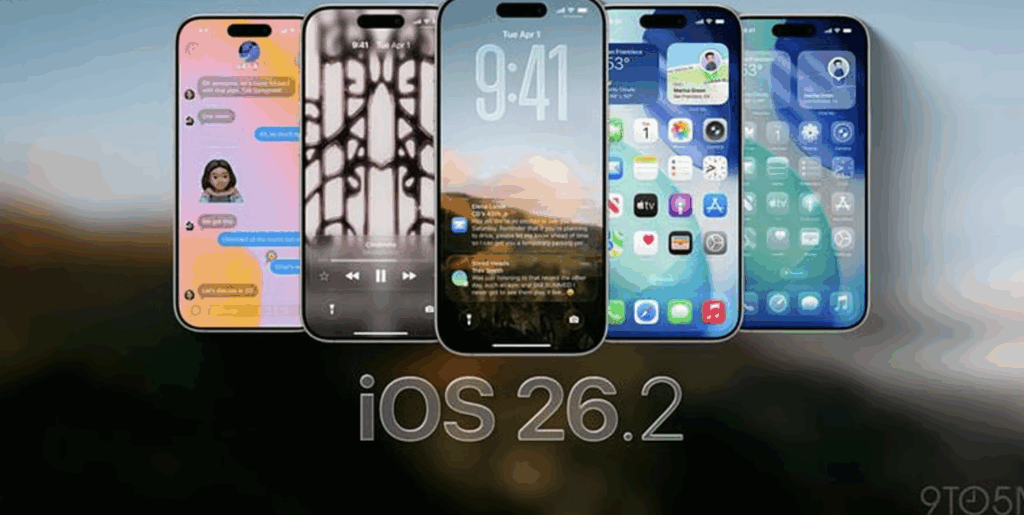
Apple has released iOS 26.2, a significant update for iPhone users that brings a range of new features — most notably a major Apple Music upgrade and several useful iPhone tools designed to improve usability, creativity, and everyday convenience. This update builds on earlier versions with refinements based on user feedback and Apple’s push to make its devices more powerful and versatile.
Apple Music Gets a Big Boost
One of the flagship improvements in iOS 26.2 is the enhancement to Apple Music, making the experience richer and more personalised:
- Smarter Playlists: Apple Music can now generate even more personalised playlists based on listening history, moods, and activity patterns, helping users discover music tailored to their tastes.
- Interactive Music Widgets: New widgets let users play, skip, and interact with music quickly from the locked screen or home screen.
- Enhanced Social Sharing: Users can more easily share songs, playlists, and listening experiences with friends through messages and social apps.
These upgrades aim to make music listening more intuitive and fun while deepening engagement with the Apple ecosystem.
Useful iPhone Tools and Features
Alongside music enhancements, iOS 26.2 introduces several passenger-friendly tools that make everyday tasks simpler:
- Smart Notes Integration: Improved note features let users convert handwriting to text, tag content automatically, and link notes with reminders based on context.
- Expanded Camera Tools: New camera tools help users capture better photos and videos with enhanced low-light performance and easier focus controls.
- Improved Search Functions: System-wide search has become faster and more accurate, helping users find apps, documents, and messages quickly.
- Battery and Health Insights: The update adds deeper insights into battery health, usage patterns, and personalised suggestions to extend battery life.
These tools reflect Apple’s focus on integrating software intelligence into daily use — enhancing productivity without overwhelming complexity.
Performance and Stability Enhancements
iOS 26.2 also includes behind-the-scenes improvements:
- Faster app launch times
- Smoother animations and transitions
- More efficient memory management
- Security enhancements to protect user data
These refinements ensure that even older supported iPhone models benefit from responsive performance.
How to Update
Users with compatible devices can update to iOS 26.2 by going to Settings > General > Software Update and following the instructions. The process is straightforward and can be done over Wi-Fi without needing a computer.
Conclusion
With iOS 26.2, Apple continues to enhance the iPhone experience with meaningful updates to Apple Music, integrated tools, and system performance. Whether you’re a music lover, productivity seeker, or everyday user, this update delivers improvements that make the iPhone more capable and enjoyable in 2026.