




Microsoft has confirmed that it will officially end support for Windows 10 on October 14, 2025.
Once that date passes, users will no longer receive free security updates unless they either pay for extended coverage or sign up for one of Microsoft’s special programs.
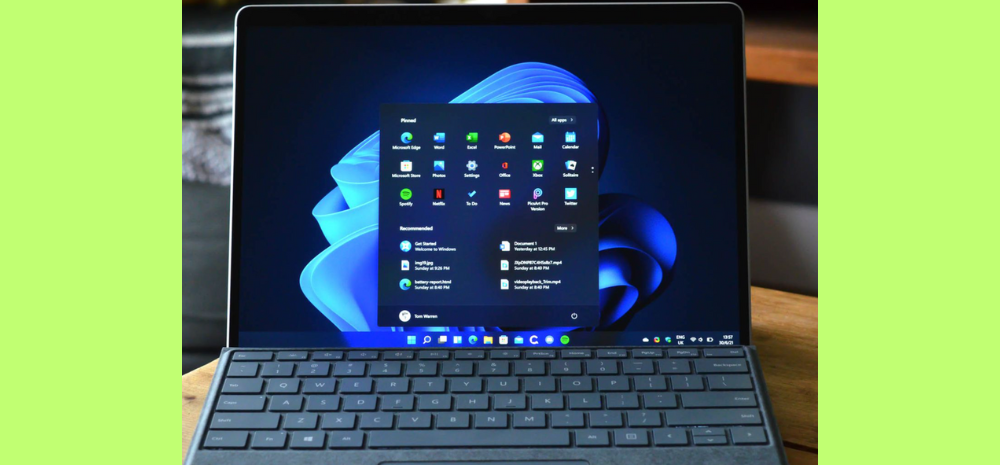
Microsoft to End Windows 10 Support on October 14, 2025: What This Means for Users
The announcement has stirred criticism, with many arguing it’s unfair to charge people just to keep their existing PCs safe—especially since most of these machines still work perfectly well.
To ease the transition, Microsoft is offering a paid extension plan. For $30, regular users can get one additional year of security updates, extending coverage until October 2026. This is the first time the company has offered everyday consumers a paid extension for updates.
Even so, the move is controversial because it essentially pushes people to pay in order to keep their older devices secure.
Alternatives From Microsoft:
Alongside the paid option, Microsoft has introduced two alternatives:
- Using the Windows Backup app to store data on OneDrive.
- Redeeming 1,000 Microsoft Rewards points for another year of security support.
But watchdog groups like the Public Interest Research Group (PIRG) argue these steps don’t go far enough. They are pressing Microsoft to either extend free support or make Windows 11 compatible with older hardware so that more people can upgrade without replacing their devices.
Concerns Over E-Waste and Security
The end of support has also raised serious concerns about electronic waste. Millions of still-functional PCs could end up being discarded simply because Microsoft is ending updates. Consumer Reports even sent a letter to CEO Satya Nadella, urging the company to reconsider and continue providing free support.
Cybersecurity risks are another major issue. As of August 2025, about 46.2% of global PC users were still running Windows 10. Many of these devices can’t be upgraded to Windows 11 due to strict hardware requirements, leaving users vulnerable to threats once updates stop.
What You Can Do
To remain secure after October 14, 2025:
Upgrade to Windows 11 if your device meets the requirements.
Enroll in Microsoft’s Extended Security Updates (ESU) program for $30 to get one more year of critical patches.
If your PC can’t run Windows 11, consider switching to Linux or ChromeOS Flex, both of which can keep older hardware safe, functional, and compatible with modern apps.